In a recent blog post by [Daniel Mangum] he goes over a scenario observed while debugging the Cortex-M33-based nRF54LM20, reading and writing values while running through a few scenarios. After initially it seemed to go seemingly without any issues, suddenly the GDB debugger would happily return values that suggested that a previous operation had not succeeded. Or, as the case turned out to be, stale cached values were being returned.
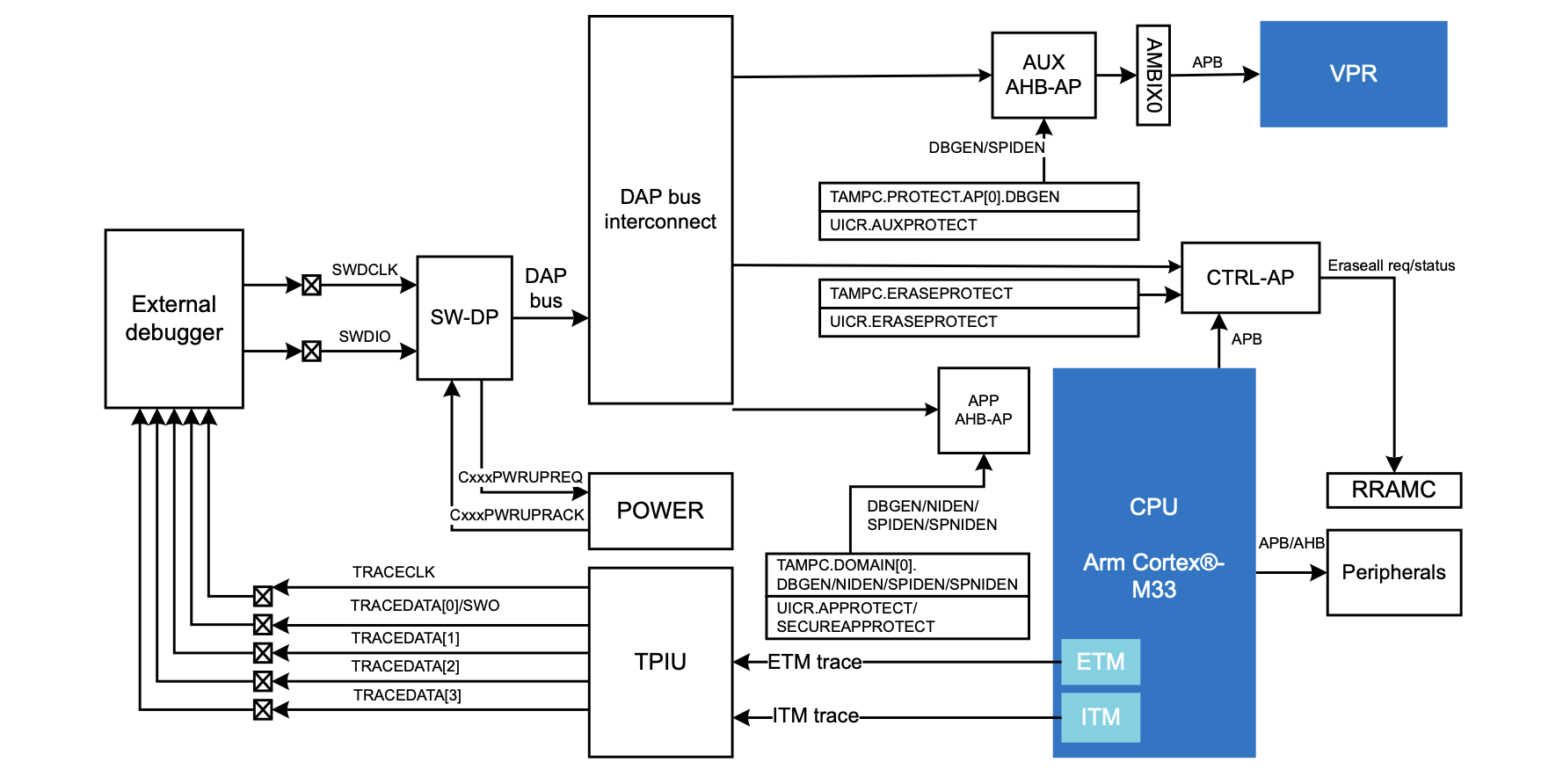
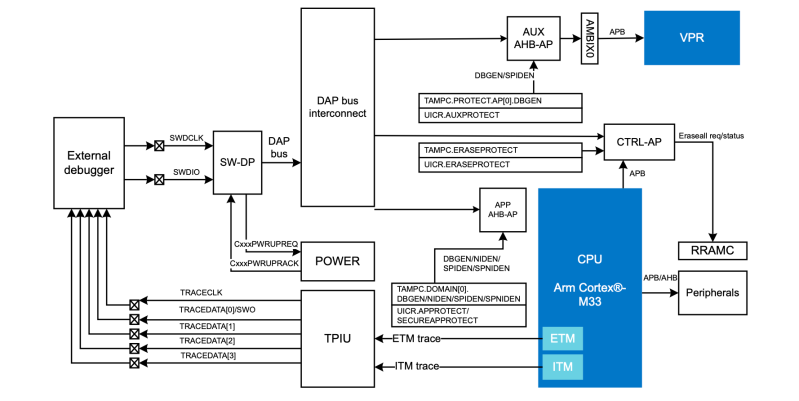
What follows is a very technical and low-level breakdown of how this MCU functions inside, especially its cryptographic features and Key Management Unit, which is used for storing sensitive information. The most amusing part is probably you can bypass the cached data by explicitly specifying the access port and memory address along with other parameters.
This ReadMemAP command supported by the JLinkGDBServer used here showed the right value, whereas the normal GDB read command using x kept returning the cached values. This raised the question of which cache was doing this. The direct read from the AHB-AP access port worked fine, so the suspicion is that the J-Link software’s own caching, with a run without the J-Link caching indeed working fine.
J-Link has had some hardware-related issues too, with this new issue pointing to an awkward software bug that could be table-flip-and-rage-quit worthy depending on how much time it wastes during a debug session. Fortunately [Daniel] seems to have caught this one quickly and had an easy way to bypass it, but we aren’t all that lucky.